Live chat
Chat with a real employee, and we’ll walk you through everything.


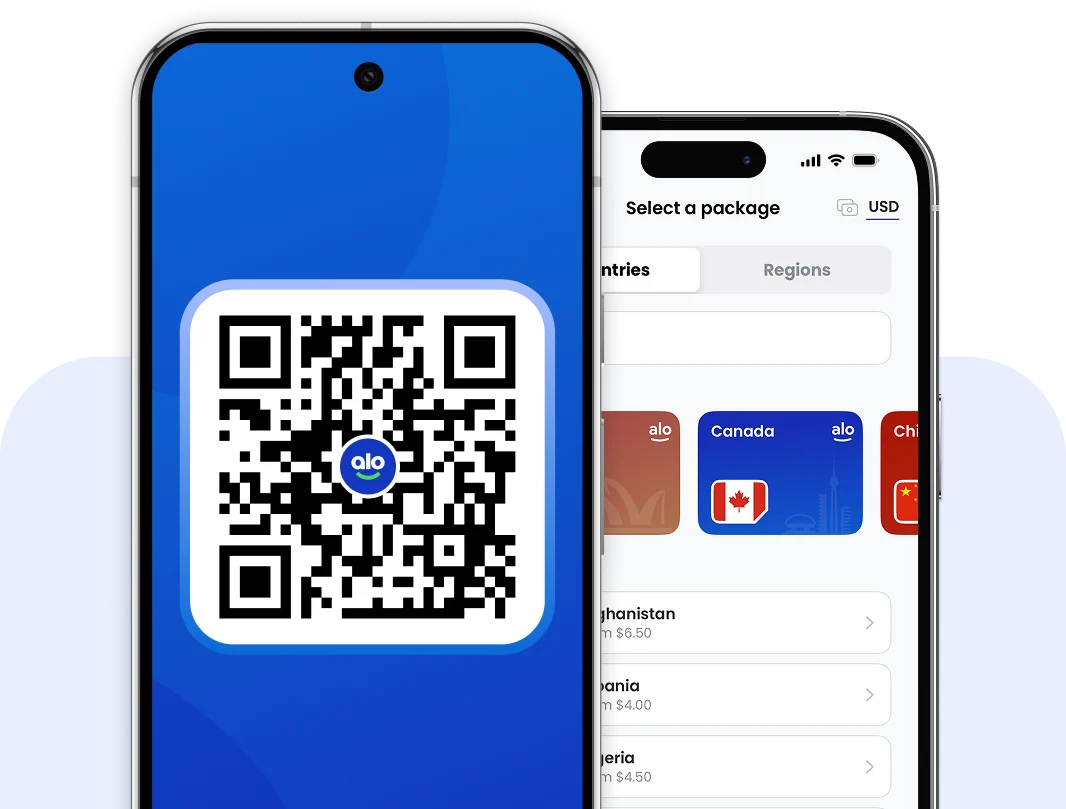
Add travel internet to any phone or tablet in under 90 seconds, and activate automatically as soon as you arrive at your destination.
It takes less than five minutes to prepare your phone for travel.


Chat with a real employee, and we’ll walk you through everything.


Send us the details, and we’ll get back to you in minutes.


If you have questions, we’ve got all the answers available to browse.
Let’s answer your questions about using an eSIM for your upcoming trip.

We recommend installing your eSIM days or weeks ahead of international travel. This takes under 90 seconds.
Installing ahead of your trip means you can confirm your phone supports eSIM and that the installation was successful, so you know you’re ready to use it upon arrival.
Installing your eSIM won’t activate your data plan. Your data can’t start working until you’re physically located at the destination for your eSIM.

Your eSIM data plan won’t start working until you’ve arrived on vacation. So if you live in New York, but you’re visiting Paris, your France eSIM won’t start working until you’re actually in France.
If you’ve installed your eSIM and you’re still at home, it will wait on your phone until you have reached your destination. It can’t activate until it can reach a supported network.

Your regular phone carrier may charge you roaming fees for using your regular SIM for internet (data) usage, phone calls, and text messages when you’re far from home.
OPTION 1: Switch off ‘Data Roaming’ for your regular SIM, but keep it active so your regular phone number works abroad. Talk to your carrier about what fees to expect.
OPTION 2: Fully toggle off your regular SIM before leaving home. No phone calls, texts, or data usage on your regular SIM = no extra fees on your next phone bill.

Our team is available 24 hours a day
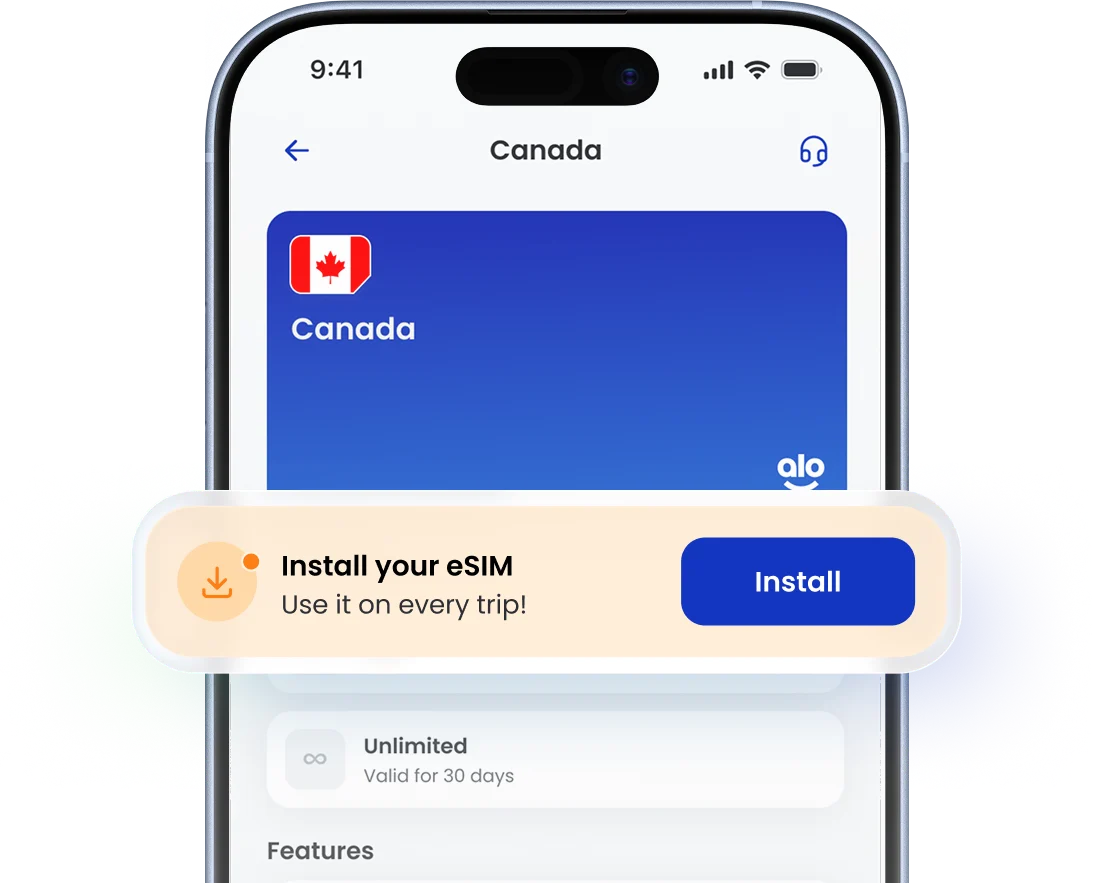
Yes! You need Wi-Fi or mobile data (any internet connection) in order to install your eSIM on your phone. This takes under 90 seconds. Start by opening your aloSIM app, tapping ‘My eSIMs,’ selecting your eSIM, and tapping ‘Install eSIM.’
No, each eSIM can only be installed on a single phone. Once it’s installed on your phone, you can keep using it for repeat trips, and never have to re-install it.
But if you upgrade to a new phone, you’ll need to install a new eSIM in order to connect to supported networks. (If you accidentally add data to an eSIM trapped on a phone you no longer use, contact us and we’ll help get it added to your new phone instead.)
eSIMs can usually be re-installed on the same phone, in case you accidentally delete it. Open your aloSIM app, tap ‘My eSIMs,’ and select your eSIM. If your eSIM says ‘Ready to install,’ tap ‘Install eSIM’ to re-add it to the same phone.
Using an eSIM won’t remove your regular SIM. If your phone has dual SIM capabilities, you’ll be able to use two SIMs at once. But even if your phone only supports using a single SIM at a time, you’ll just choose which one is active — your regular SIM, or your travel eSIM.
If you decide to toggle off your regular SIM (in order to avoid all carrier roaming charges on your next phone bill), this will temporarily disable your regular phone number.
Need a free way to call and text on vacation? We provide free international phone numbers from our sister app, Hushed. Open your aloSIM app and tap ‘Rewards’ to claim yours.
If you run into any trouble installing your eSIM, please contact us right away via email (support@alosim.com) or live chat. We’re available 24 hours a day. If your eSIM can’t be installed, we can issue a credit or full refund.
Your eSIM data plan validity starts when you arrive on vacation and successfully connect to a supported network. In order to connect, make sure your eSIM is toggled on (in your phone’s cellular settings), allowed to roam, and selected as your phone’s cellular data source or preferred SIM.
If you arrive on vacation and your data isn’t working yet, make sure you have switched off Airplane Mode. Your eSIM must be toggled on (in your phone’s cellular settings), allowed to roam, and selected as your phone’s cellular data source or preferred SIM.
Yes! ‘Roaming’ can be a scary word, but your eSIM needs permission to roam so it can connect to all supported networks. As you move through a country or region, we need to be able to automatically put you on the best possible network for that location. There are never any roaming charges associated with an aloSIM plan.
(Only your regular phone carrier can charge you roaming fees, and you can avoid those by toggling off your regular SIM right before travel — no calls, no texts, no internet, and no extra charges.)
It’s best to leave your travel eSIM ‘on’ for the entire trip, so we can continue to provide fast local internet for you.
But if your phone only supports one active SIM at a time, you may need to switch between your eSIM and your regular SIM if you need to use your regular phone number.
Go into your phone’s cellular settings, and you will see the option to toggle SIMs on and off as needed.



4.6 average rating (28,531+ reviews)