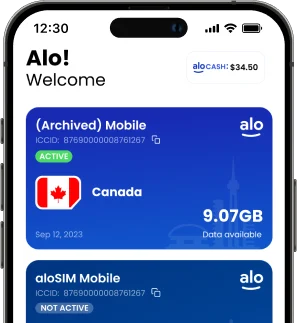
aloSIM: The eSIM app built for travellers

aloSIM: eSIM Built for Travellers

aloSIM provides eSIM data plans in 200+ destinations with simple setup and transparent pricing. Plans are available on a pay-per-GB basis, so you only pay for what you use.

Every plan includes:

  • Coverage in 200+ countries
  • A free Hushed phone number
  • One-touch installation (or QR code installation)
  • 24/7 live chat support

What is an eSIM? How eSIM works for travellers (2026 guide)

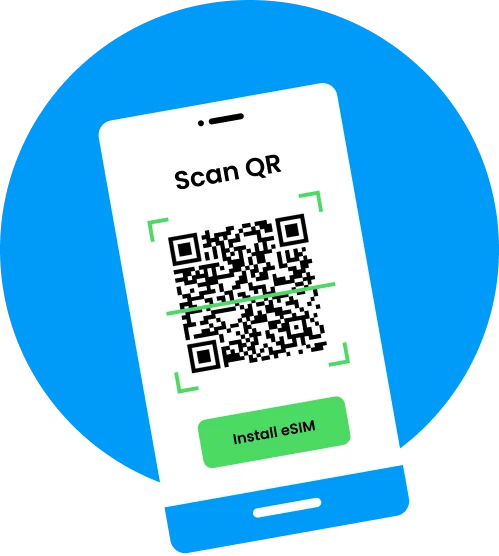
An eSIM (embedded SIM) is a digital SIM card added directly into your phone. Instead of inserting a physical plastic SIM card, you install an eSIM in about 90 seconds (either by tapping a button or scanning a QR code) and it’s yours to keep forever.

How does an eSIM work? Well, if your phone is eSIM compatible, you can connect to mobile networks without visiting a store or swapping hardware. Travellers use eSIMs to buy local data plans in 200+ countries and avoid expensive roaming charges on their regular phone bill.

This guide explains what is eSIM, how does eSIM work, which devices support it, how to set it up, and what to look for in a travel eSIM provider.

Key takeaways

  • An eSIM is a digital SIM card installed in seconds — no physical SIM swap needed
  • Most phones released after 2018 already support eSIM, including iPhone XR+, Samsung Galaxy S20+, and Google Pixel 3+


aloSIM works in 200+ destinations and includes a free international phone number from Hushed with every plan

eSIM vs SIM card: What’s the difference?

An eSIM and a physical SIM card do the same job — they connect your phone to a carrier network. The difference is how they are installed and used. An eSIM is added to your phone and activated digitally, while a physical SIM card must be inserted manually. 

Factor eSIM Physical SIM
Activation One-touch installation QR code installation, activates automatically when you arrive at your destination Insert physical SIM card, manual setup required, limits access to regular SIM
Setup timing Before departure or on arrival Must obtain in person or by mail
Multiple plans Store multiple profiles One per slot
Cost Pay-per-GB plans Carrier-dependent
Availability 200+ countries Depends on carrier
Phone number Data-only — aloSIM includes free Hushed number Included
Environmental impact No plastic Plastic waste

An eSIM removes the need for physical hardware while giving you more flexibility. You can switch plans without swapping cards and store multiple carrier profiles on one device.

How does eSIM work, step by step?

An eSIM works by downloading a carrier profile onto your phone’s embedded SIM chip. This profile connects your device to a mobile network, just like a physical SIM.

1

Buy a data package

Buy a plan online at alosim.com or in the free aloSIM app

2

Install your eSIM

Tap ‘Install Now’ to begin installation (or scan the provided QR code)

3

Automatic activation

Your phone downloads the carrier profile and connects instantly when you arrive at your destination. Modern smartphones can store multiple eSIM profiles, so you can switch between plans without removing anything. Keep your eSIM to reuse it on future trips to the same destination.

6635391815422-Buy a data package
6635392643263-Install your eSIM
66353933f301d-Activate your data package

How does eSIM work on iPhone?

Automatic installation:

In your aloSIM app, tap ‘Install eSIM’ to begin the installation process immediately. This takes about 60 seconds from start to finish.

QR code installation:

In your aloSIM app, tap ‘Install eSIM. Share the QR code to another device so you can scan it off the screen, and the installation process will take about 60 seconds. 

Manual installation:

In your aloSIM app, tap ‘Install eSIM’ and select ‘Manual’ to locate your activation codes. On your iPhone, go to Settings → Cellular → Add eSIM → Use QR Code → Enter Details Manually. Paste in the provided activation codes to kick-start your 60-second installation.

iPhone XR and newer models support eSIM. iPhone 14 (US models) uses eSIM only, with no physical SIM slot. You can run dual SIM, keeping your home number active while using your eSIM for travel data.

How does eSIM work on Samsung?

Automatic installation:

In your aloSIM app, tap ‘Install eSIM’ to begin the installation process immediately. Your eSIM will install on your Samsung phone in less than 60 seconds.

QR code installation:

In your aloSIM app, tap ‘Install eSIM’ and select ‘QR code.’ Save the QR code to upload under Settings/Connections/SIM manager, or share the QR code to another device so you can scan it off the screen. The installation process will take about 60 seconds. 

Manual installation:

In your aloSIM app, tap ‘Install eSIM’ and select ‘Manual’ to copy your activation code. On your Samsung, go to Settings → Connections → SIM manager → Add eSIM. Select the QR code option, and then tap ‘Enter activation code’ to paste the code you copied. The installation will take under 60 seconds.

How does eSIM work on Google Pixel?

Automatic installation:

In your aloSIM app, tap ‘Install eSIM’ to begin the installation process immediately. Your eSIM will install on your Samsung phone in less than 60 seconds.

QR code installation:

In your aloSIM app, tap ‘Install eSIM’ and select ‘QR code.’ Save the QR code to upload under Settings/Network & Internet/SIMs, or share the QR code to another device so you can scan it off the screen. The installation process will take about 60 seconds. 

Manual installation:

In your aloSIM app, tap ‘Install eSIM’ and select ‘Manual’ to copy your activation code. On your Google Pixel, go to Settings → Network & Internet → SIMs → Add eSIM. Select the QR code option, and then tap ‘Enter activation code’ to paste the code you copied. The installation will take under 60 seconds.

How does eSIM work on Android?

In your aloSIM app, tap ‘Install eSIM’ and choose from Automatic, QR code, or Manual installation options. Follow the on-screen instructions.

Most Samsung Galaxy S20+, Google Pixel 3+, and newer Android devices support eSIM. Menu names may vary slightly by manufacturer, but the process is similar.

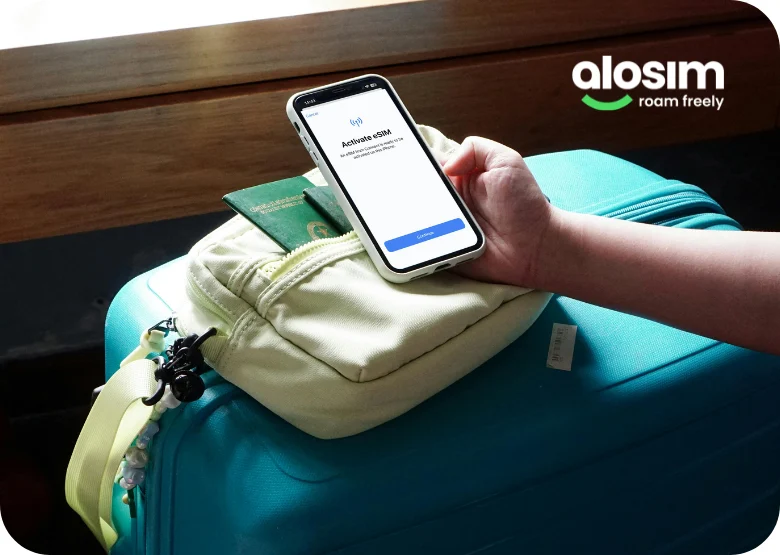
69dd451ae13b8-support esim

Which devices are eSIM compatible phones?

Most phones released after 2018 support eSIM if they are carrier-unlocked.

Compatible devices include:

  • iPhone XR/XS and later
  • Samsung Galaxy S20 and newer
  • Google Pixel 3 and newer
  • Most modern iPads


If your phone is locked to a carrier, you need to unlock it before using a third-party eSIM. Sometimes phones on payment plans will be prohibited from accessing other networks, even on vacation.

Check if your phone supports eSIM

How to set up eSIM

Setting up an eSIM takes 2–3 minutes and requires no technical expertise.

  1. Purchase your data plan
  2. Use the app to do a one-touch automatic eSIM installation, or scan the provided QR code
  3. Follow the on-screen prompts

Data plans activate instantly if you’re already located in the correct destination. If you’re setting up your eSIM prior to travel, your eSIM will remain in the ‘Ready to use’ state until you arrive.

Walkthrough guide: How to install an eSIM on iPhone


What to look for in a travel eSIM provider

When choosing an eSIM provider, focus on practical factors that affect your experience.

  • Coverage: You want a provider that works in 200+ destinations
  • Flexibility: Freedom to choose between a country-specific plan, and a regional plan that works in multiple countries
  • Network quality: The local carrier determines speed and reliability. Here at aloSIM, we clearly outline which carriers you’ll be using at your destination.
  • Pricing: pay-per-GB vs unlimited data (many unlimited plans have speed caps)
  • Phone number: Most providers are data-only, but aloSIM includes a free international phone number from Hushed
  • Setup speed: QR code activation should be instant
  • Support: 24/7 live chat support is critical when travelling


👉 aloSIM Japan eSIM plans

👉 aloSIM Europe eSIM plans

Frequently Asked Questions

An eSIM (embedded SIM) is a digital version of a physical SIM card built into your phone. An eSIM enables you to install and activate different data plans by scanning a QR code (or tapping a button) instead of inserting a physical card. Most modern smartphones support eSIM technology.

An eSIM works by downloading a carrier profile onto your phone. After scanning a QR code, your phone connects to a mobile network just like a physical SIM, but without hardware.

Yes. eSIM uses the same carrier-level encryption as physical SIM cards. It cannot be physically removed, which reduces the risk of theft or SIM swapping.

Yes. Most modern phones have dual SIM functionality, allowing you to use your regular SIM card for calls/texts and an eSIM for data.

eSIM availability depends on the provider. aloSIM offers plans in 200+ destinations around the globe, with coverage varying by location.

👉 View all destinations

Differences include pricing, coverage, network quality, and features. aloSIM includes a free Hushed phone number, while many competitors offer data-only plans.

Yes. Your phone must be carrier-unlocked to use a third-party eSIM. Check with your carrier if you are unsure whether your phone is unlocked prior to purchasing an eSIM.

Setup takes around 2-3 minutes. After purchase, scan the QR code (or use the free aloSIM app for a one-touch installation). Your eSIM installs immediately, and your data plan activates automatically upon arrival.

Hero What is eSim

Need an eSIM?
Trust aloSIM

aloSIM provides prepaid travel data across 200+ countries. Enjoy a steady, affordable internet connection anywhere you travel.

Get Started

What is an eSIM?

An eSIM is a downloadable SIM card. With the free aloSIM app, you can purchase prepaid data in 200+ countries and never pay roaming charges.

How does eSIM work?

1

Buy a prepaid
data package

Choose from 200+ countries and regions worldwide.

2

Download a
SIM card (eSIM)

Most newer phones and tablets can already accept eSIMs.

3

Activate your
data package

Arrive in your destination and activate your data package.

4

Enjoy steady
mobile data

You’ll have a prepaid internet connection anywhere you go.

Frame 3431

Can my phone use eSIM?

Most newer phones already support eSIMs (downloadable SIM cards). Your device must be unlocked, and free to join new networks.

Not sure if your phone can use eSIM? Use our free eSIM compatibility checker to answer a few questions, and we’ll tell you.

Check my phone

Travel the world, skip the roaming charges
Get prepaid data starting at $4.50/week

Shop eSIM data

How much eSIM data do I need?

Everyone’s data usage is different, especially when you’re on vacation. Try our travel data calculator to estimate how much data you’ll want, based on your usual online activities.

What if I run out of eSIM data?

It’s no problem if you run out of data! You can top up your eSIM with a new data package anytime, but wi-Fi or data will be required to complete the purchase.

Travel data calculator

Get prepaid data for 200+ countries
Packages starting at $4.50/week

What our happy customers say about aloSIM

Can I call and text with eSIM?

Yes! You have plenty of options when it comes to calling and texting with eSIM. Depending on your carrier, you may be able to use your regular phone number, but many aloSIM users find it cheaper to pair their eSIM with an internet phone number from our partner app, Hushed.

Learn more

How do I avoid roaming charges with a travel eSIM?

Anytime you’re travelling internationally, it’s important to understand how to prevent your phone carrier back home from adding roaming charges to your next bill. We’ll walk you through how to make sure this doesn’t happen.

Learn more

How do I switch between different SIMs?

Depending on your device, you might be able to have a travel eSIM active alongside your primary SIM. We’ll show you how to switch between different SIMs so you can stay in control over which SIMs are active on vacation.

Learn more