









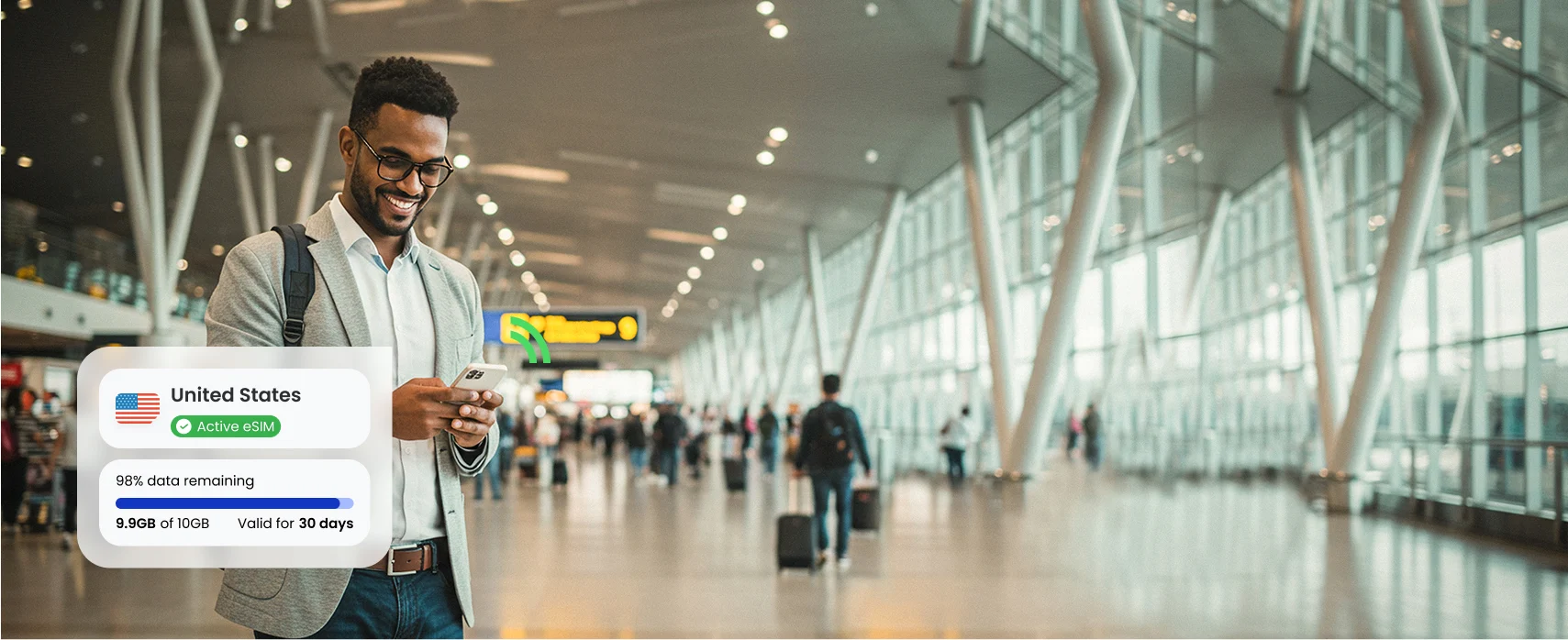

It takes less than a minute to sign up for aloSIM For Business.
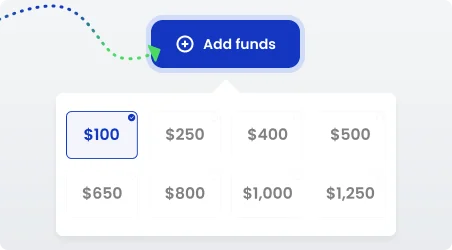
Once you’re logged into your account, you’ll be able to load your account with aloSIM credit and invite members to begin using the credit whenever they need prepaid data.
Most phones and tablets already support eSIMs. If someone’s concerned their device may be too old, they can use our eSIM compatibility checker to make sure it will work.
If someone purchases a data package (or uses company credit to get a free data package) and their phone is not compatible, we will provide a full refund.
Absolutely! Using your eSIM data to hotspot your laptop is a great way to avoid the dangers of public Wi-Fi networks.
We encourage travelling employees to hotspot their laptops, personal phones, and any other devices that need an internet connection.
Public Wi-Fi can be dangerous, especially for travelling employees who need to access sensitive company data.
You never know who else might be lurking on a public Wi-Fi network — sometimes specifically to latch onto other people’s devices, steal confidential information, and possibly hack into their accounts.
Nope, using an eSIM is easy!
It takes less than two minutes to install an eSIM on a compatible phone or tablet. We recommend doing this prior to a trip, so you know it’s ready to go.
We show exactly how to use your eSIM so you can connect to a local network as soon as you arrive at your destination.
If you have any questions about the process, our team is available 24 hours a day and we’re happy to help.
Employees do not see the admin portal. So what happens when they receive an invite to your aloSIM For Business account?
- The employee receives an automated email from our team explaining that you have invited them to this account, and encouraging them to accept the invitation.
- The employee accepts the invitation
- The employee is asked to create a password to use our consumer app, aloSIM.
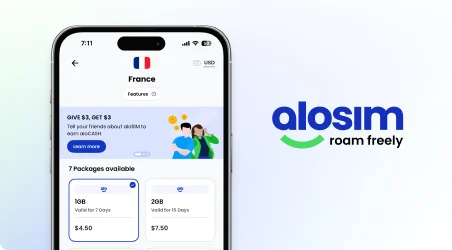
- The employee can log into the aloSIM app anytime and shop for data they need for work travel.
- The employee won’t have to pay out of pocket at checkout. They’ll be able to select your company name, and deduct the purchase from your account’s shared balance.
Absolutely! aloSIM For Business has two (2) different ways to set spending caps for your members.
- Individual spending cap: You can choose to set an individual spending cap specific to one member.
- Global spending cap: You can choose to set one global spending cap that applies to every member.
All spending caps reset on the 1st of each month.
Yes! Employees with a dual-SIM phone can keep two SIMs active at once (travel eSIM for data, primary SIM for their regular business phone number).
No problem! aloSIM For Business works for teams that travel frequently, as well as teams who only travel once or twice a year.
You can invite employees to your account leading up to a specific trip, and remove them from the account once their trip is over.
Or you can leave employees in your account year-round, so they’re able to get international mobile data whenever they need it.
All employee data purchases are logged in the account for admins to review anytime.